
Mycelium Flow
macOS 13+ · menu bar and window
Hold a key, speak, let go. Your words land right where you were typing.
Download the DMG, drag Flow to Applications, open it.
Flow is dictation you can use mid-sentence. Hold your key, say the thing, let go — the words appear in the app you were already in, at the cursor you left. Nothing to open first, no transcript to copy out, nothing to tidy up after.
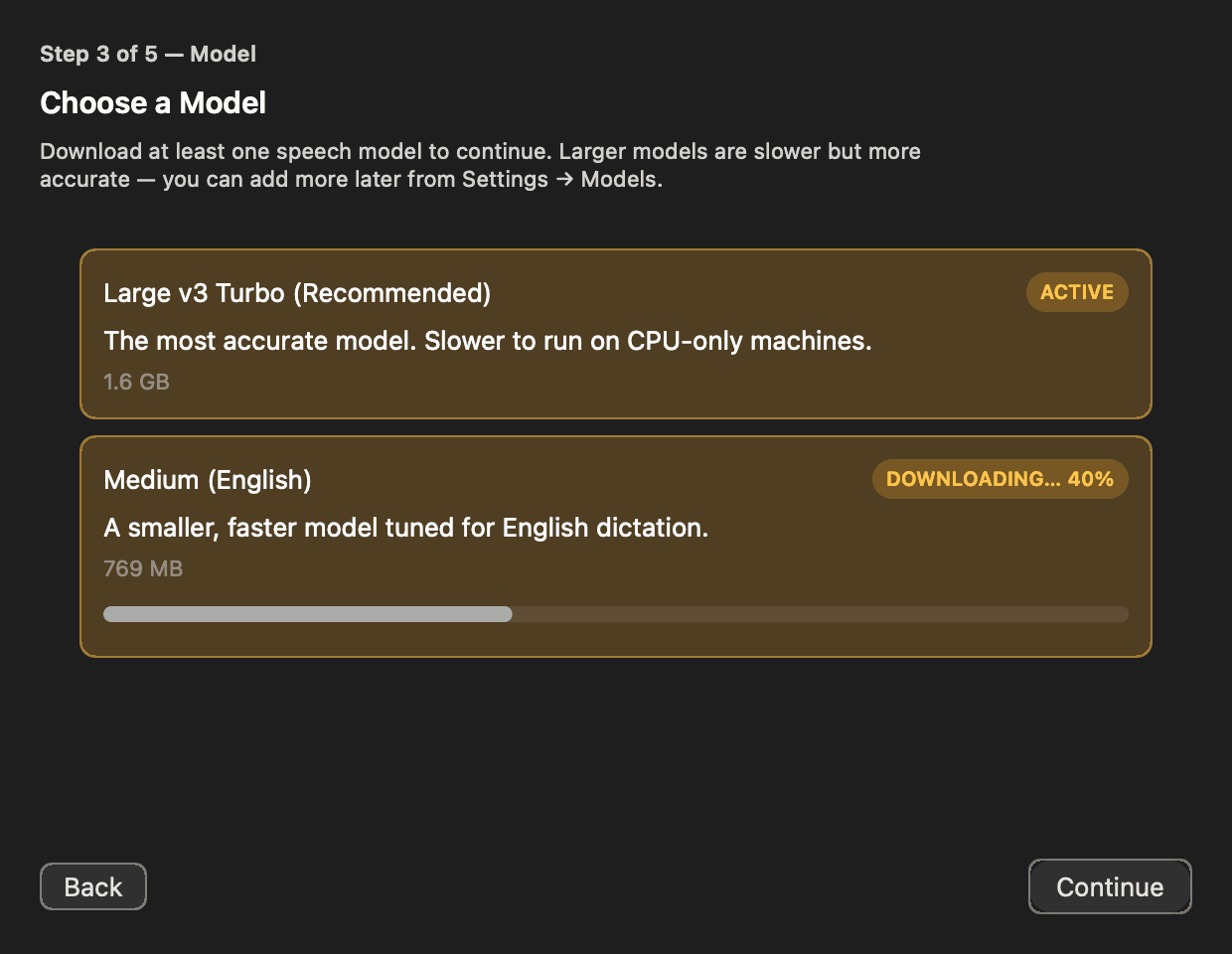
It works the same on a plane as it does at your desk, because your voice never goes anywhere. There is no account and nothing to sign in to. The first launch fetches the speech model it needs, and after that Flow is yours offline for good.
See it



How it works
- 01
Hold the key
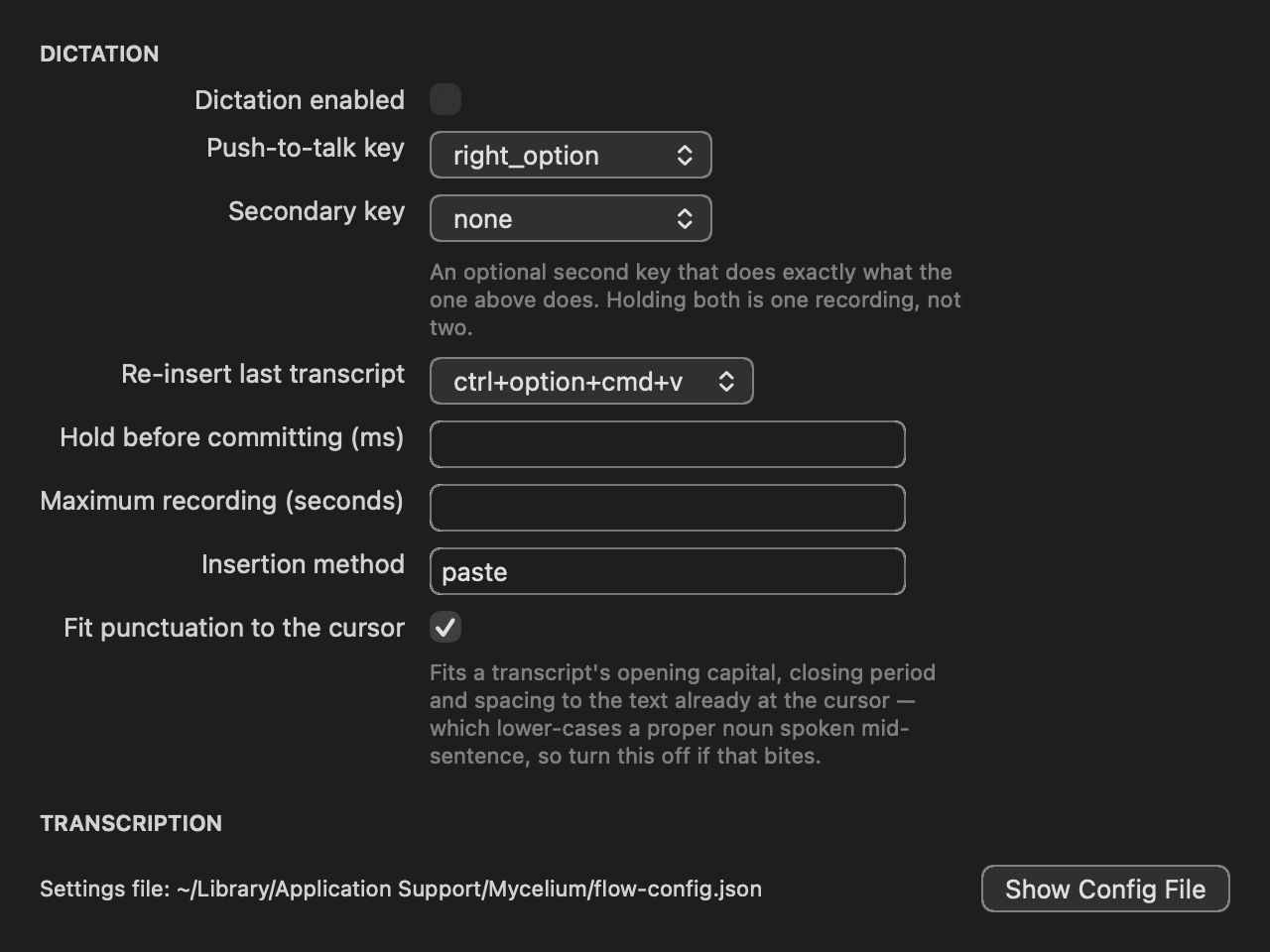
One key, anywhere on your Mac. Flow listens while it is down and shows a small meter so you can see that it heard you.
- 02
Speak
Say the thing, at the speed you actually talk. Flow keeps up as you go — no upload, no spinner, nothing waiting on a server to answer.
- 03
Let go
The words land at your cursor, in the app you were already in. Nothing to paste, nowhere to switch back from.
Privacy
Nothing leaves your Mac
Your voice is turned into text on your own machine, by your own processor. Nothing is uploaded, nothing is kept on a server, and there is no account for any of it to be attached to. Pull the network out and dictation works exactly the same, because none of it was ever somewhere else.
There is no telemetry, no analytics, and no usage report going home. The one thing Flow can talk to is other software already running on your Mac, and only if you switch that on yourself.
What it does
- Type anywhere you can click
- Every text field in every app is a dictation field — mail, a browser form, a terminal, your editor, a box you have never seen before. Flow puts the words in the way your keyboard would.
- Quick, and offline
- Recognition happens on your Mac, so it starts while you are still talking and finishes about when you stop. No queue, no upload, no service that can be down today.
- Drop the ums, keep your words
- One dial runs from verbatim to aggressive and decides how much of the umming, uhhing and hedging gets cleaned out, alongside a list of words it must never touch. Out of the box it removes only the sounds that were never words you chose.
- Tidier punctuation, if you want it
- Flow can hand what you said to a language model on your own machine for a second pass at punctuation and capitalisation. It is off until you turn it on, and it still never leaves the Mac when you do.
- A real window, not just a menu icon
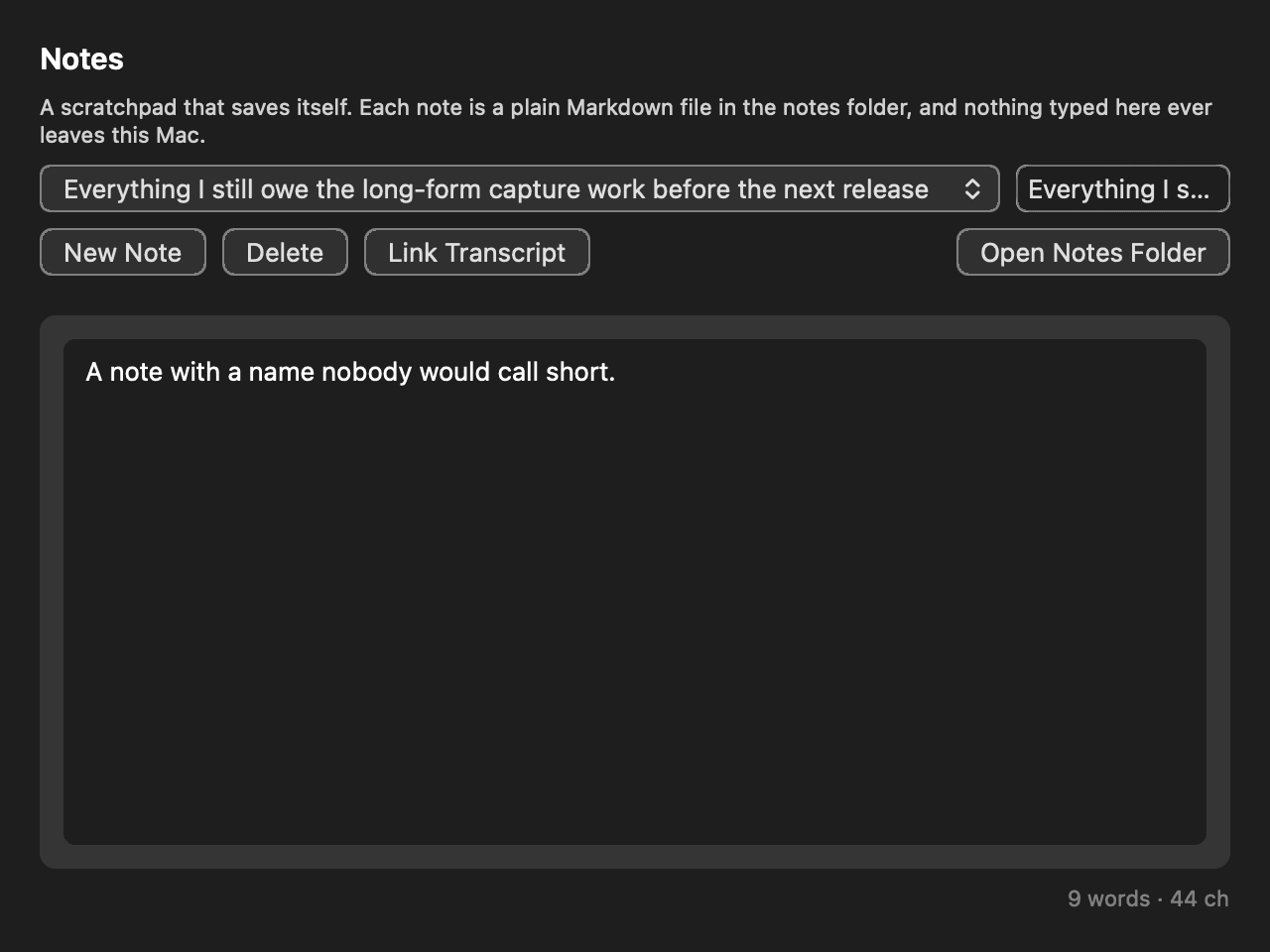
- Recent transcriptions, long-form recording and every setting live in a proper window you open from the Dock. The menu-bar item is a shortcut to it rather than the whole app, because macOS hides menu-bar items when the bar runs out of room.
What it needs
- macOS 13 or later
- Apple silicon or Intel
- Microphone and Accessibility permission — Flow asks for both on first run
- Apple's own fn/Globe dictation turned off, if you want that key for Flow
- About 2 GB of free disk for the speech model, downloaded on first launch
Under the hood
Speech recognition is whisper.cpp running the large-v3-turbo model on the hardware already in your Mac. The optional cleanup pass asks a model served by Ollama on your own machine, and does nothing at all until you point Flow at one.
None of that is something you have to think about to use Flow. It is here because you should be able to find out what is running without asking.